Connect your home once.
Control it from any AI.
smarthomemcp is the smart home MCP server. Paste one URL into ChatGPT, Claude, Grok, Poke or Cursor, and your assistant can see and switch your lights, thermostat, locks and blinds.
Demo home available now
14 devices in 5 rooms. Your own hub comes next.
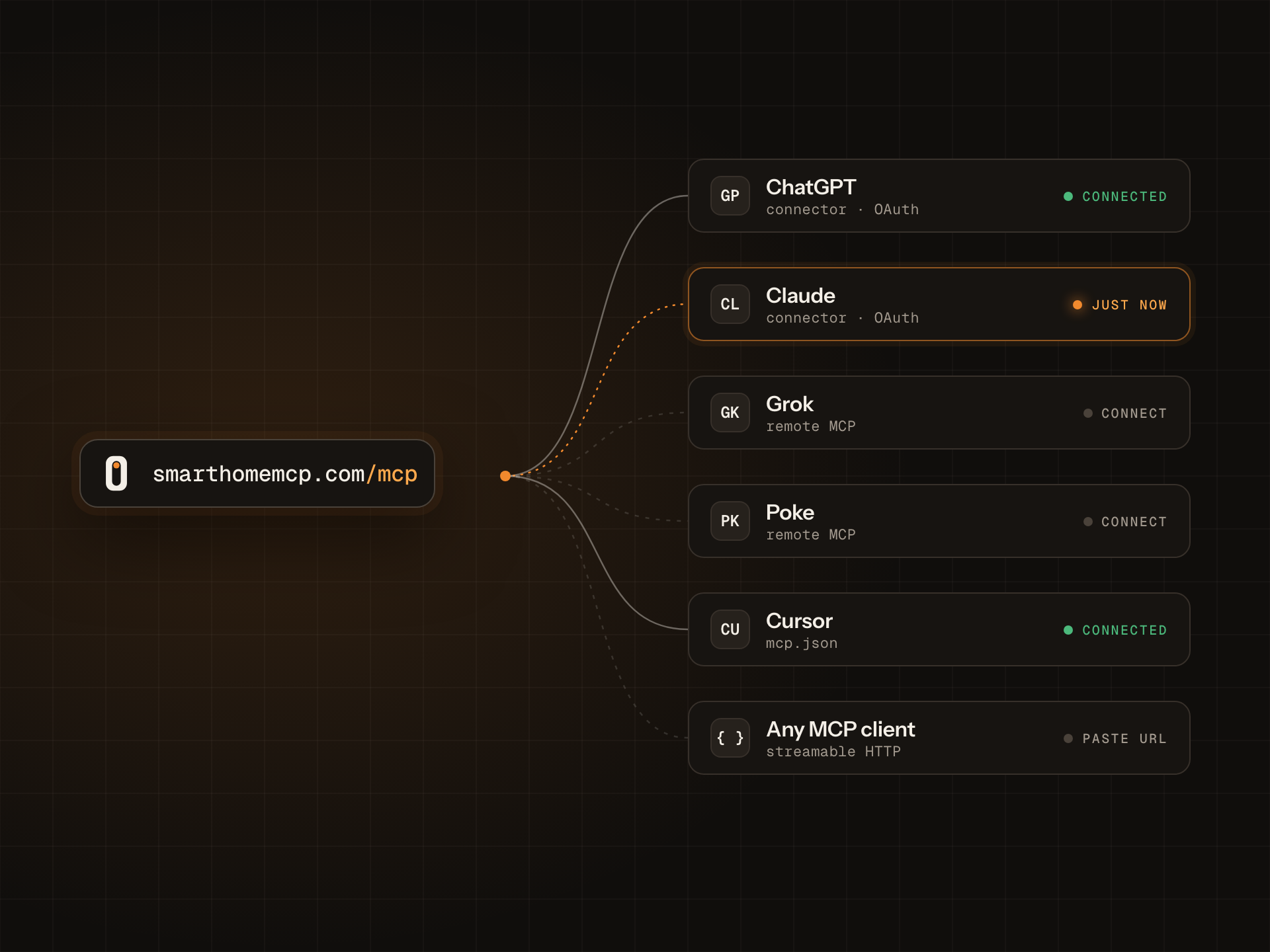
smarthomemcp.com/mcpReady in ChatGPT, Claude, Claude Code and Cursor. Grok and Poke are in beta. Any other MCP client connects with an access token.
- 1
- URL for every assistant:
smarthomemcp.com/mcp - 6
- assistants with setup steps. 4 ready, 2 in beta.
- 14
- devices in the demo home, across 5 rooms
- 2
- scopes, read and control, that you approve when an assistant connects
How it works
Copy one URL.
Paste it into your assistant.
Ask it to dim the living room.
- 01
Sign in and pick a home
Start with the demo home: 14 simulated devices in 5 rooms. Nothing in your house changes.
- 02
Add the URL
In Claude, open Settings → Connectors → Add custom connector and paste it. ChatGPT, Cursor and Grok take the same URL.
- 03
Approve what it can do
Choose read, control or both on the consent screen. Then ask in plain words.
Using Claude Code? One command:
claude mcp add --transport http smarthomemcp https://smarthomemcp.com/mcpThe server exposes 5 tools: list_devices, list_rooms, get_device, control_device and get_recent_activity.
In practice
What happens when you ask
- 1
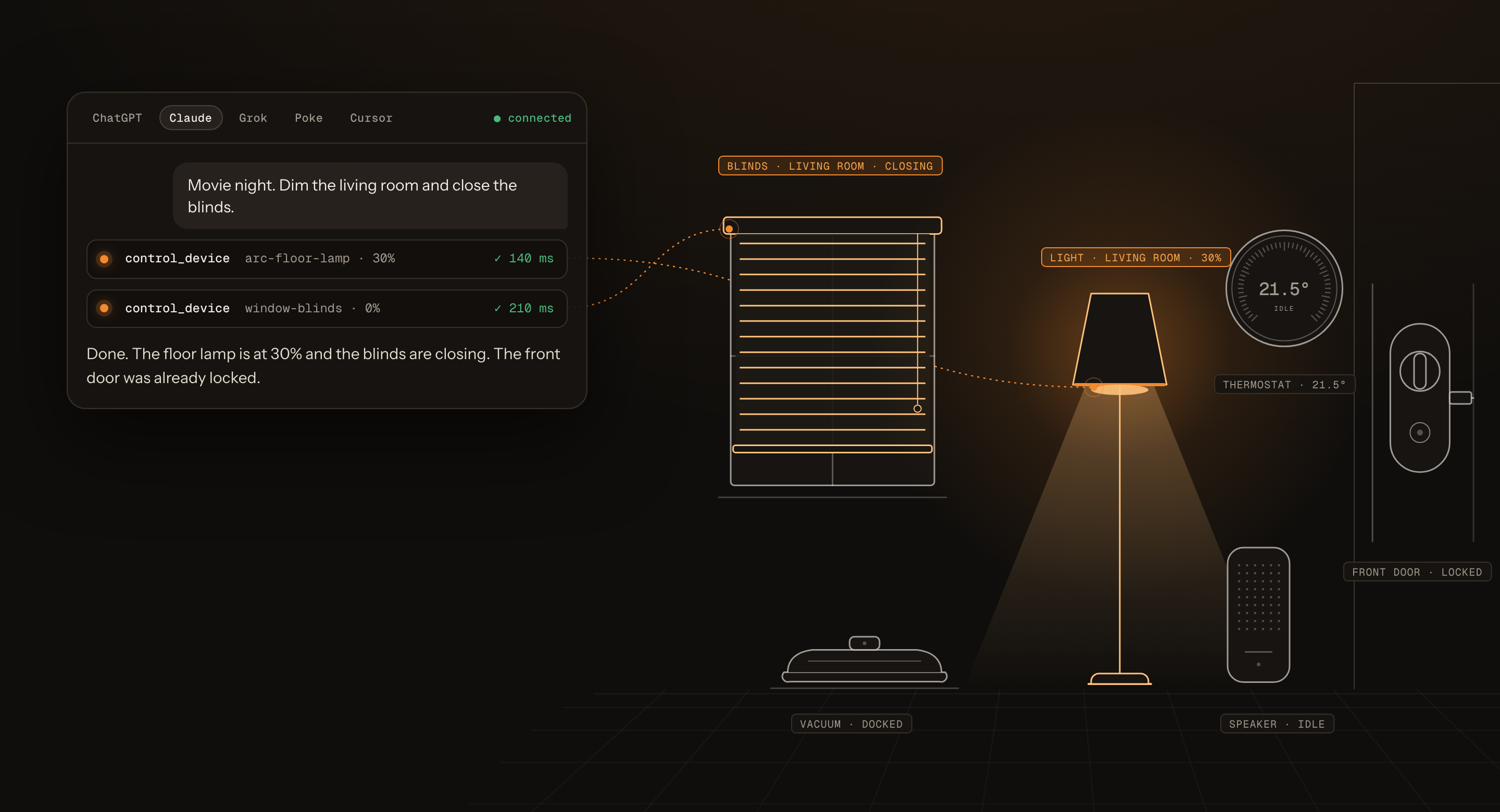
You ask Claude to dim the living room and close the blinds.
- 2
Claude calls
control_devicetwice, once for the lamp and once for the blinds. - 3
The lamp goes to 30% and the blinds close. The front door was already locked, so Claude leaves it.
Devices
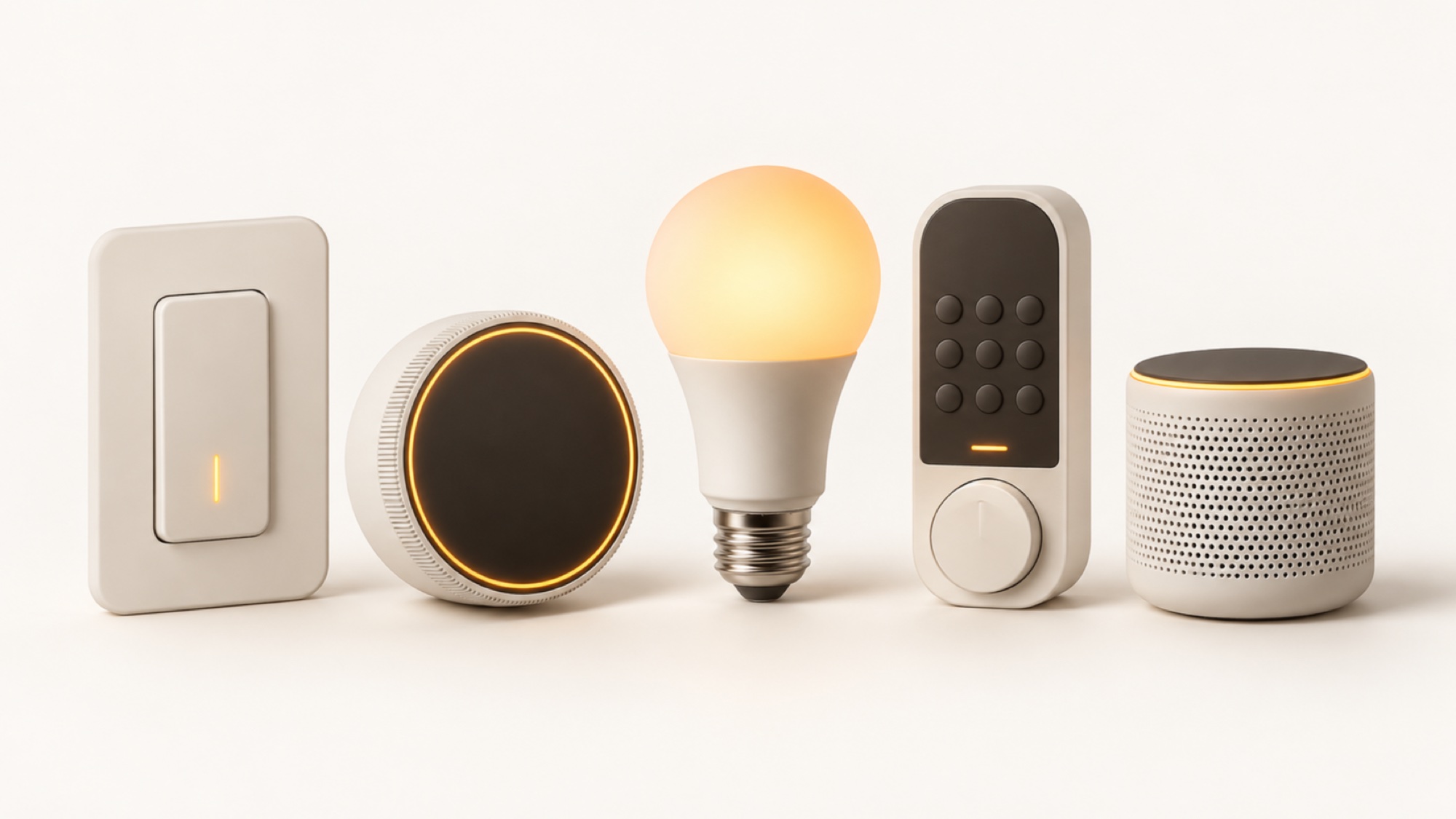
Lights, thermostats, locks, blinds and speakers
Each device keeps the name and room it has in your app, so ‘the bedside lamp’ means the bedside lamp.
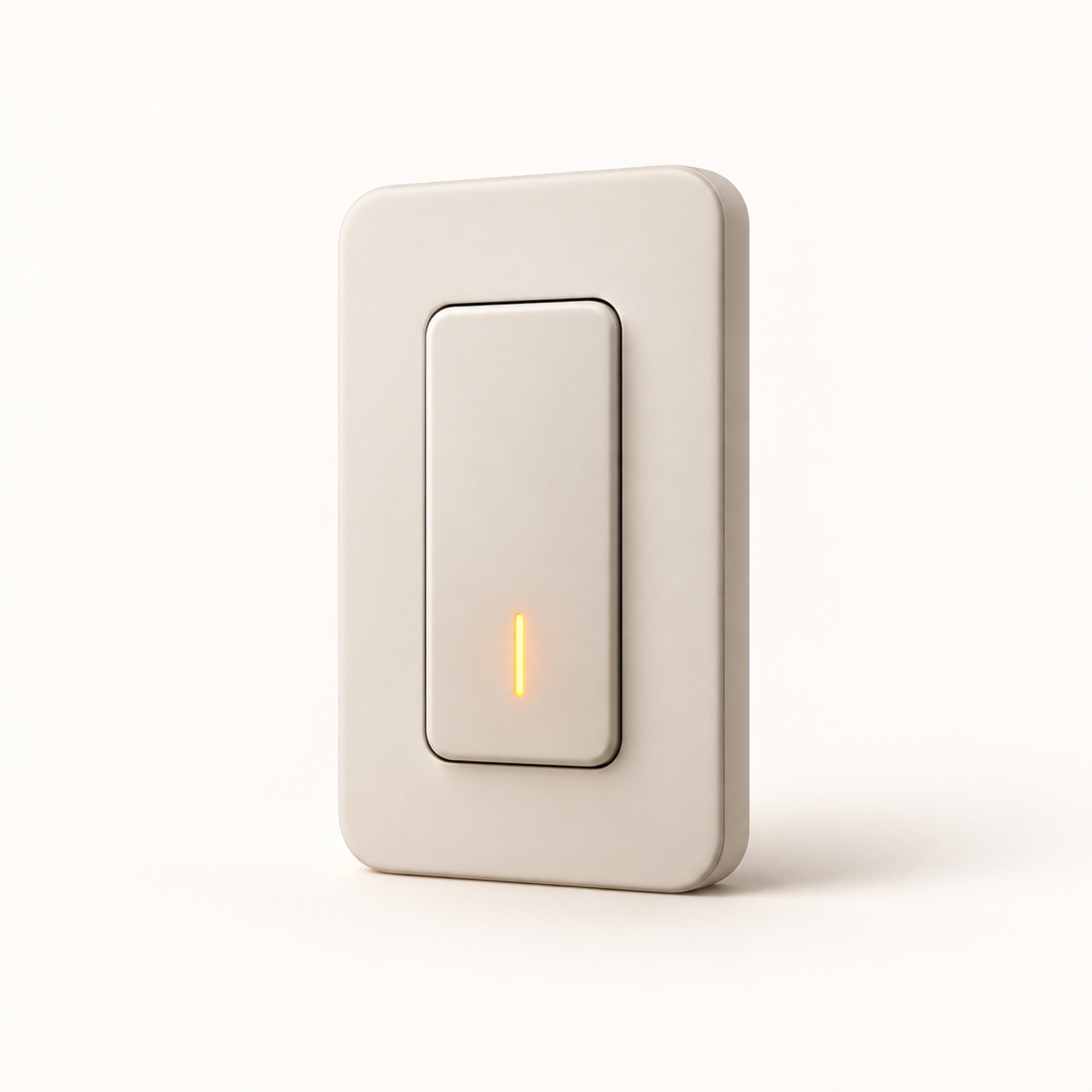
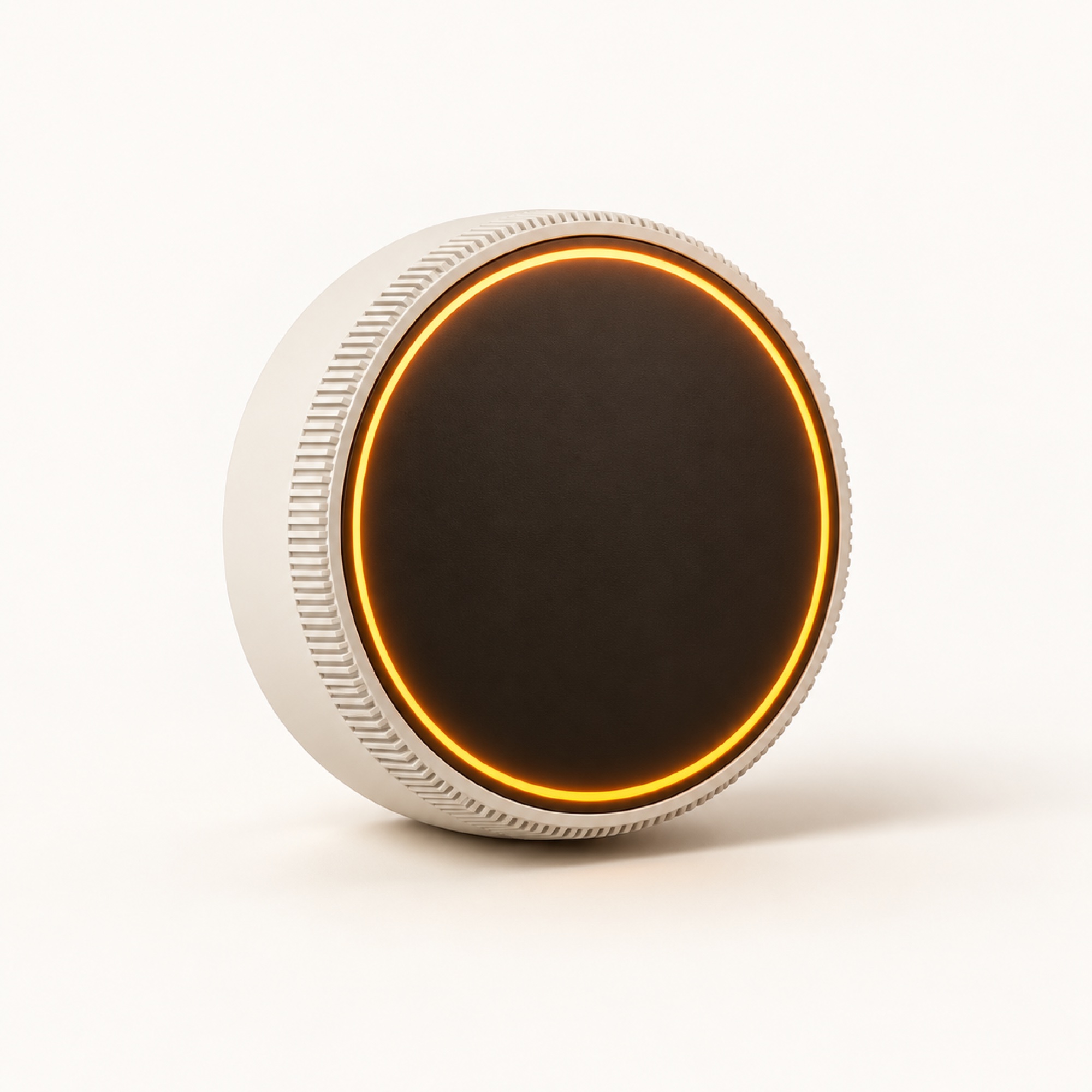
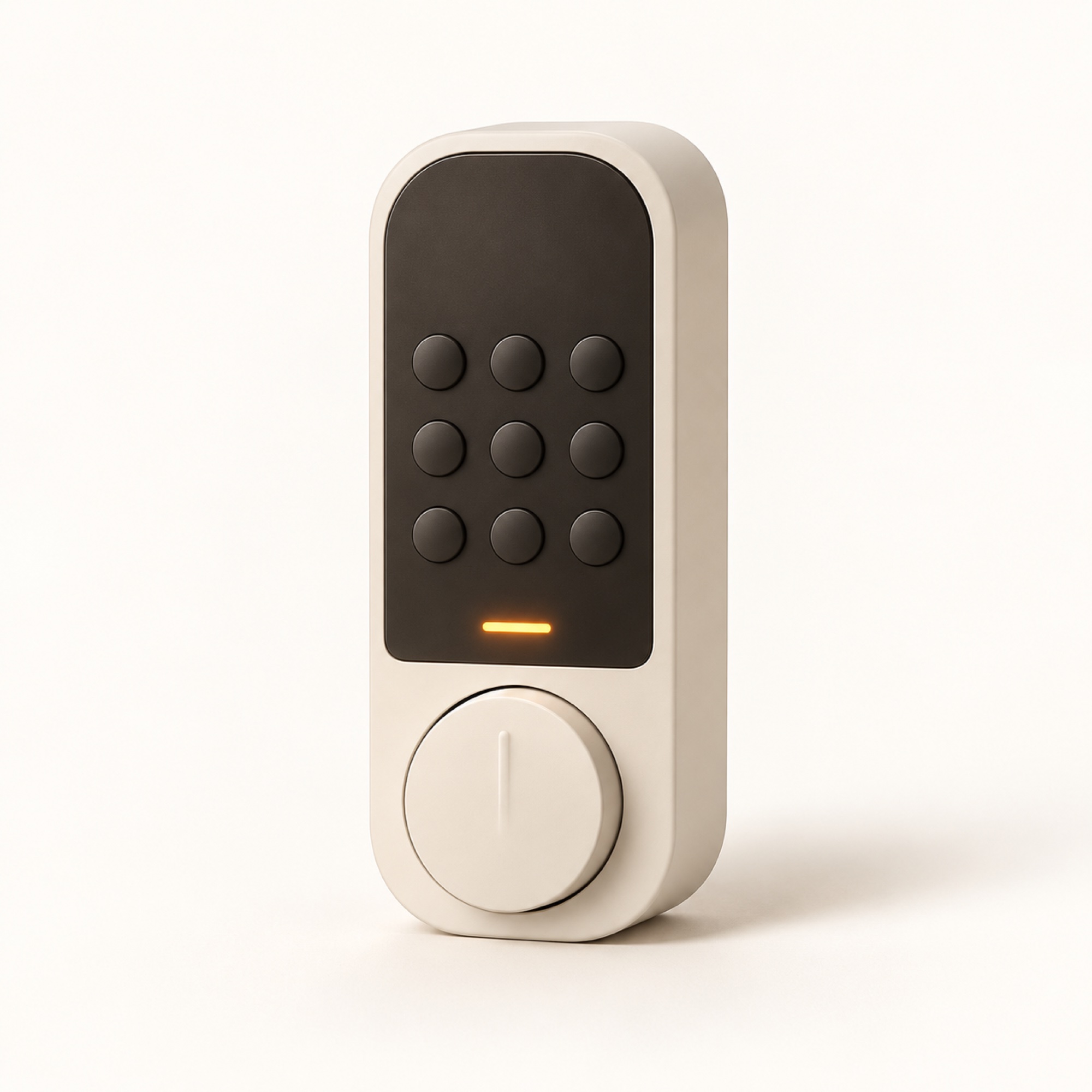
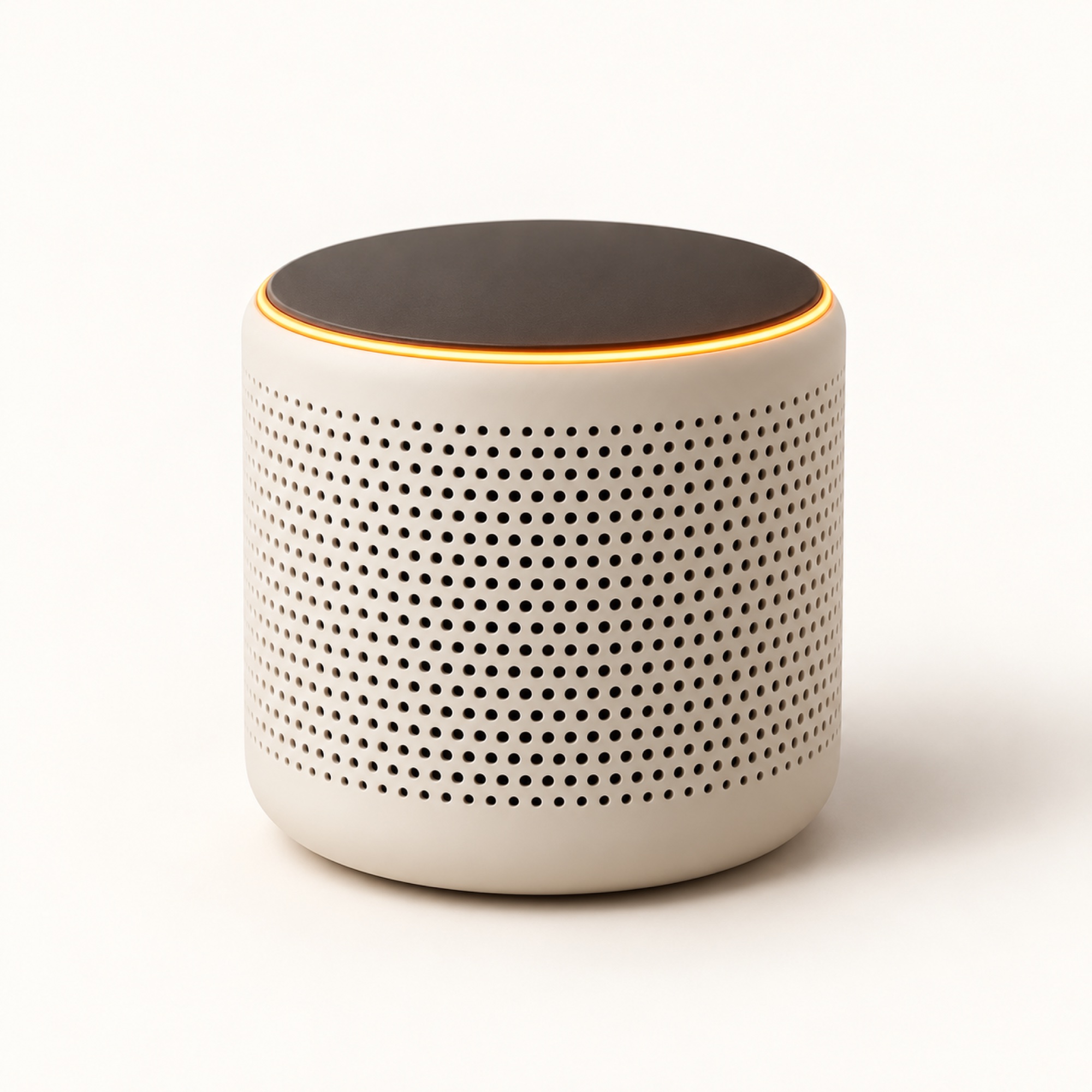
Also in the demo home: two sets of blinds, a plug, a doorbell camera, an air monitor and a robot vacuum.
Names and states come from the demo home. The renders are illustrations, not products for sale.
Assistants
Switch assistants without setting anything up again.
| Assistant | Signs in with | Status |
|---|---|---|
| ChatGPTOpenAI · OAuth | OAuth | Ready |
| ClaudeAnthropic · OAuth | OAuth | Ready |
| Claude CodeAnthropic · OAuth | OAuth | Ready |
| CursorAnysphere · OAuth | OAuth | Ready |
| GrokxAI · OAuth | OAuth | Beta |
| PokeInteraction Company · Access token | Access token | Beta |
| Any MCP clientStreamable HTTP · Access token | Access token | Ready |
Security
You decide what each assistant can touch.
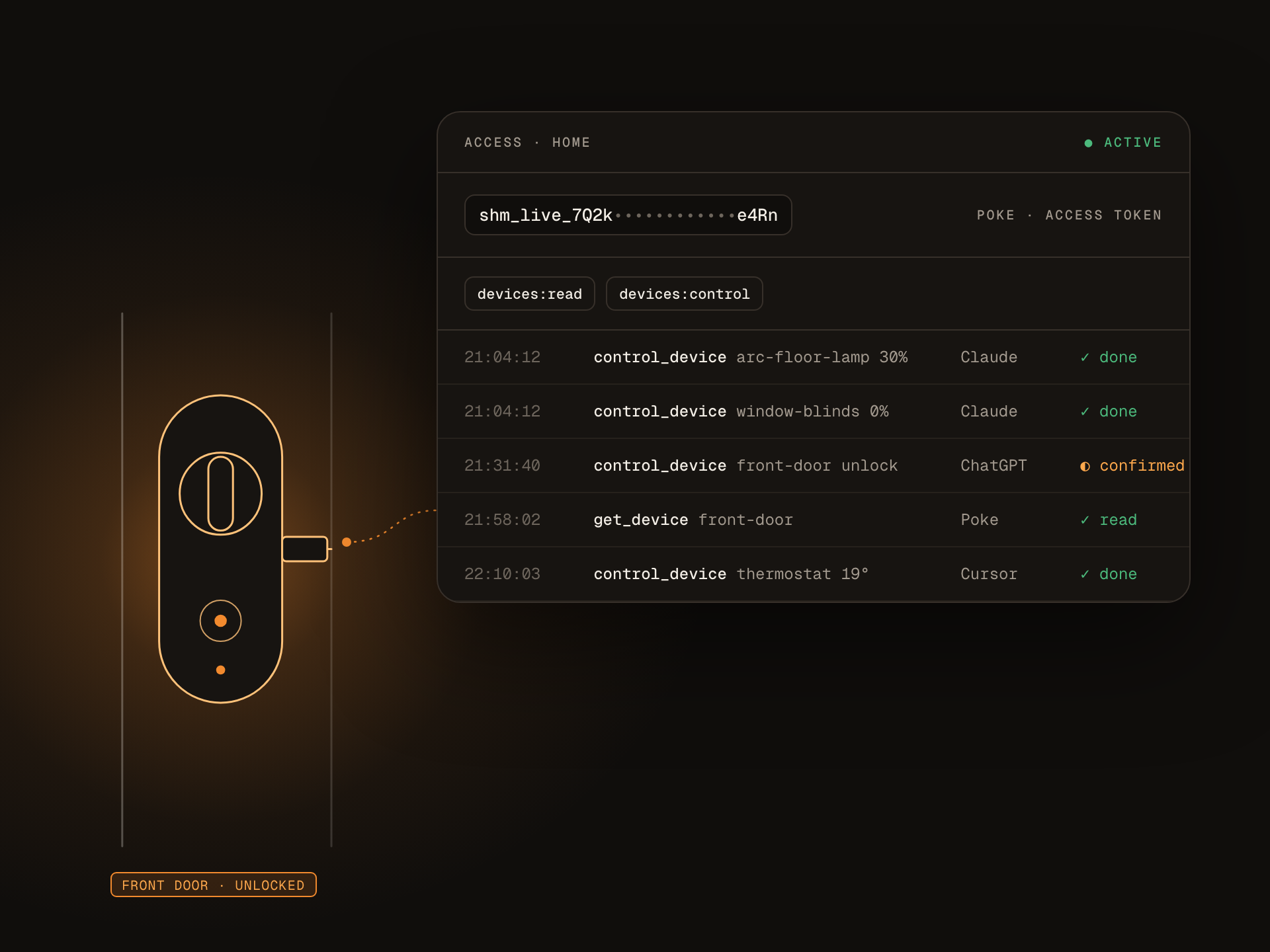
An assistant only gets what you approve on the consent screen. You can see every change it made, and you can cut it off at any time.
Assistants are told to check with you before they unlock a door.
How security worksSign in with consent
ChatGPT, Claude, Claude Code, Cursor and Grok connect through OAuth. You see what they ask for before you approve it.
Two scopes
devices:read lets an assistant see rooms, devices and their state. devices:control lets it change them. Grant one or both.
Access tokens for the rest
Poke and other MCP clients use a token you create in your account and can revoke.
A log of every change
Each call is recorded with the time, the assistant and the device it touched.
Demo homeAvailable now
Fourteen simulated devices across five rooms. Try every assistant before wiring real hardware.
Home AssistantPlanned
Everything your Home Assistant instance already knows, through one long-lived token.
Philips HuePlanned
Lights, scenes and rooms from a Hue Bridge.
SmartThingsPlanned
Samsung's hub, appliances and partner devices.
Google NestPlanned
Thermostats, cameras and doorbells via Device Access.
ecobeePlanned
Thermostats and room sensors.
MatterPlanned
Local, vendor-neutral devices through a Matter bridge.
Questions
About locks, scopes and what works today.
What is a smart home MCP server?
MCP, the Model Context Protocol, is the open standard AI assistants use to call outside tools. smarthomemcp is one MCP server for your whole home, so any assistant that supports MCP can read and control your devices.
What can I try before connecting my own devices?
The demo home. It has 14 simulated devices across the living room, kitchen, bedroom, hallway and office, and every assistant can use it right away.
Can ChatGPT control my lights?
Yes. Add smarthomemcp as a connector in ChatGPT, approve access, and ask. The same URL works in Claude, Claude Code, Cursor, Grok and Poke.
Is it safe to let Claude unlock my door?
Only if you grant devices:control when you approve it. Reading your home and changing it are separate scopes, assistants are told to check with you before unlocking, and every change is logged with the assistant’s name.
Which assistants need an access token?
Poke, and any MCP client that doesn’t support OAuth. You create the token in your account and can revoke it at any time.
Does smarthomemcp work with Home Assistant?
Not yet. Home Assistant is next on the roadmap, alongside Hue, SmartThings, Nest, ecobee and Matter. Until then you can try every assistant against the demo home.
Try it on the demo home.
It takes a minute, and nothing in your house changes until you connect it.
smarthomemcp.com/mcp